Free AI profile picture generator
12 styles, from LinkedIn to Vaporwave. Upload a photo, pick a style and get a new profile picture, usually in under a minute.
The 12 styles
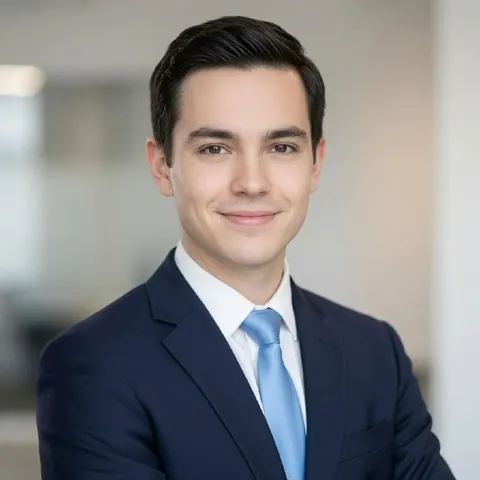 Example
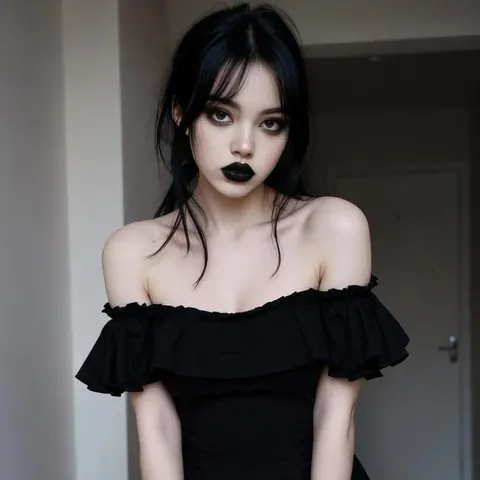 Example
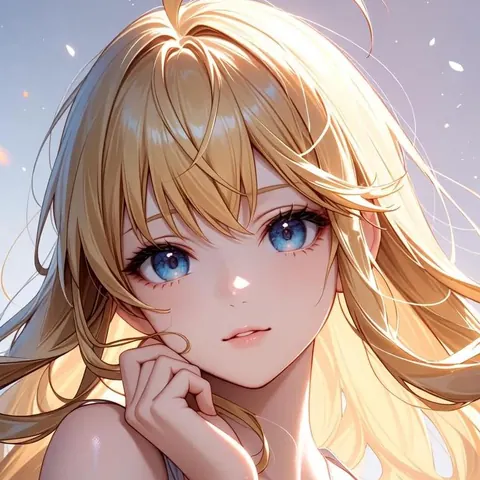 Example
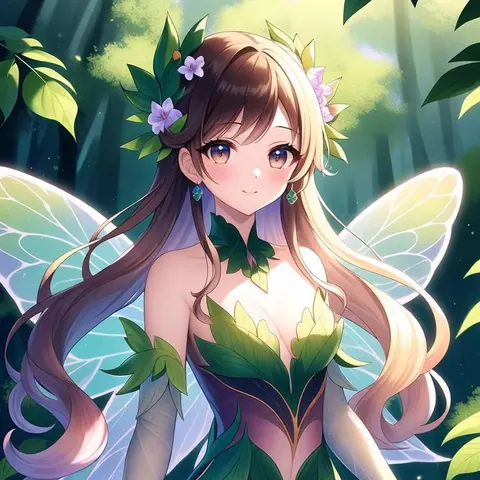 Example
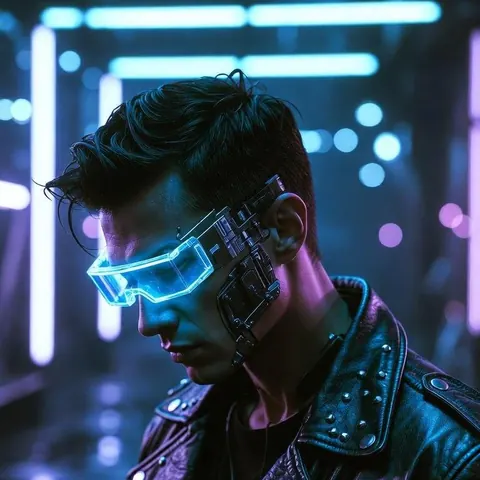 Example
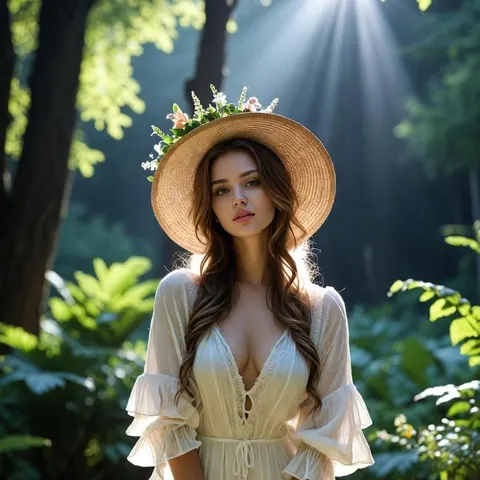 Example
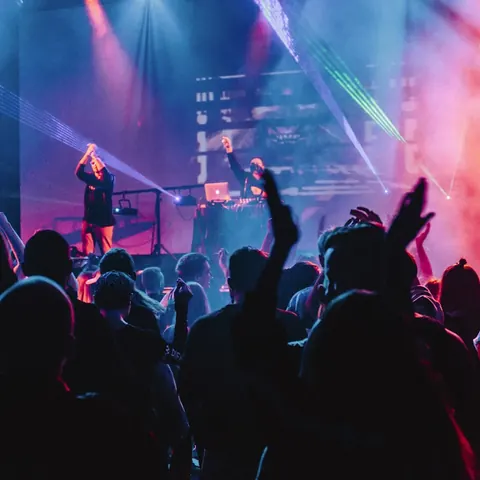 Example
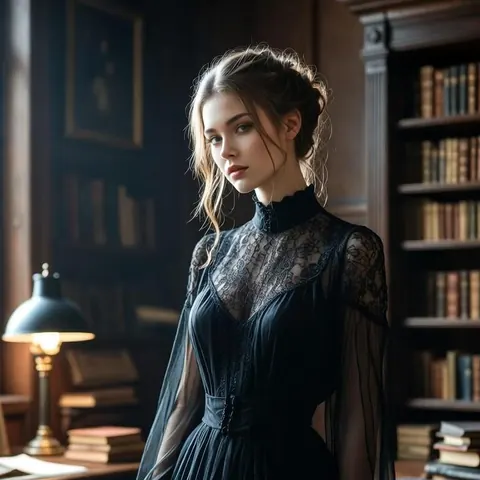 Example
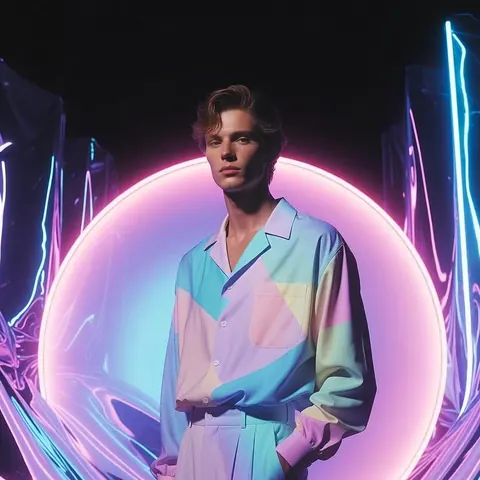 Example
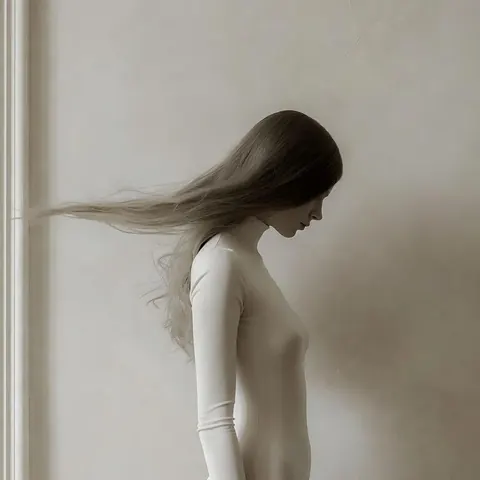 Example
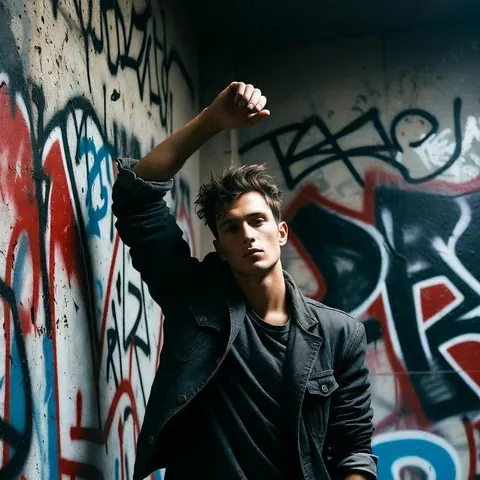 Example
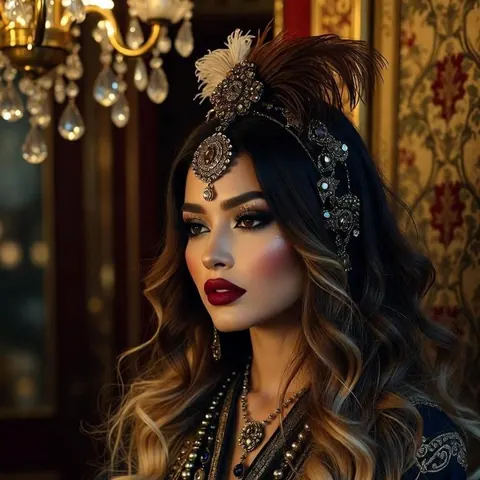 Example
The pictures above show the look of each style. They are examples kept from the previous version of FreePFP.ai: they were not made from a visitor's photo, and not with the AI model the generator uses now. Your result will look different and will be based on your own face.
Make your AI profile picture
1 Sign in with your email
No password: we email you a sign-in link. One free picture a day per person; extra pictures use credits.
Signed in as
2 Choose a style
3 Add a photo of yourself
JPG, PNG or WebP, at least 256 × 256 pixels. One person, face clearly visible, looking at the camera. We crop it to a square and shrink it to 1024 pixels in your browser before sending, which also removes location and camera details (EXIF).
4 Confirm and generate
Your picture
This picture was made by AI and may not look exactly like you. Check it before you use it. We do not keep a copy: download it now.
How it works
Sign in and pick a style
Sign in with a one-time email link, then pick one of the 12 styles.
Upload a clear photo
A well-lit photo of your face, looking at the camera, gives the best results. Our photo tips explain how to take one with a phone.
Download your picture
The AI restyles your photo, usually in under a minute. Download it, then use the frame tool to add a border or resize it for each platform.
Pricing
Your first picture each day is free. After that, each picture uses one credit. Credits are one-off purchases, not a subscription, and do not expire while your account exists. Prices are final prices in pounds sterling (GBP): there is nothing extra to pay at checkout.
Starter
£2.99
10 pictures (29.9p each)
Plus
£6.99
30 pictures (23.3p each)
Pro
£14.99
80 pictures (18.7p each)
Payments are handled by Stripe. We never see your card details. If a picture fails or the safety filter blocks it, the credit (or your free picture) is returned automatically.
Payment
What happens to your photo
- Sent only to make your picture. Your cropped photo goes to our API, then to Replicate, which runs the FLUX.1 Kontext model from Black Forest Labs.
- We keep no images. FreePFP.ai does not store your photo or the result. We delete the uploaded photo from Replicate as soon as your picture is ready; Replicate removes the job's inputs and outputs automatically within an hour.
- Safety filter. The AI model has a built-in safety filter that blocks sexual and other unsafe content. Blocked attempts cost nothing, and repeated blocked attempts pause the account for the day.
- Your face, restyled. The prompt for each style asks the model to keep your face and expression, but AI can change details. Always check the picture before using it, especially for LinkedIn, which asks for a photo that looks like you.
The full details, including Black Forest Labs' own data policy, are in our privacy policy.
Profile picture sizes
Each platform shows profile pictures at a different size. Our size guide lists what each one asks for, and the frame tool exports the right size.